error fix
Proxmox No Network After Install
When Proxmox has no network after install, check the physical link, interface name, bridge mapping, IP settings, gateway, and NIC driver before reinstalling.
Independent third-party notes. Verify critical homelab changes against primary docs and your exact hardware revision.
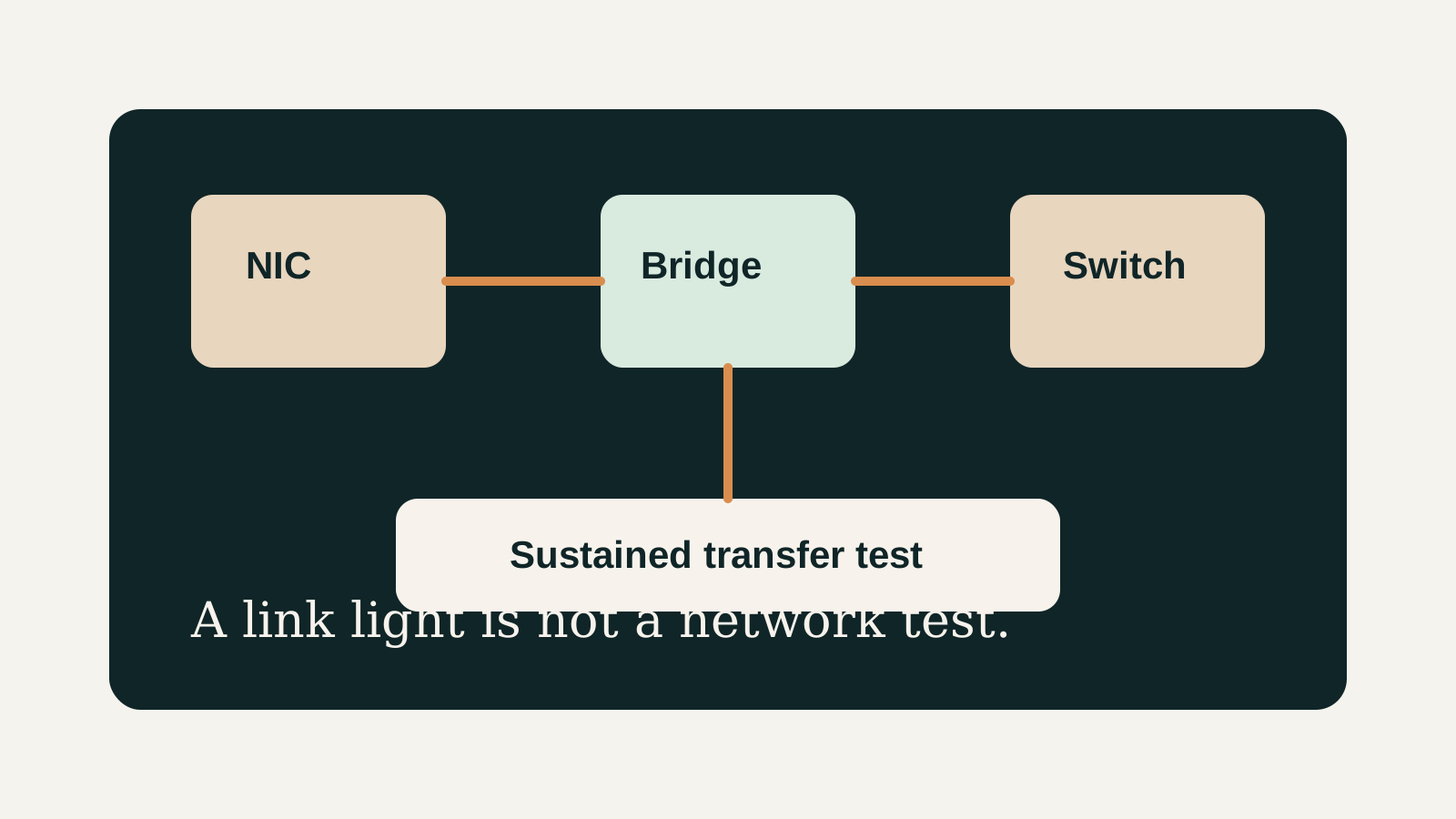
Quick Answer
When Proxmox has no network after install, check the physical link, interface name, bridge mapping, IP settings, gateway, and NIC driver before reinstalling. Before buying or changing the build, verify the risks below instead of trusting the headline spec.
Buyer verdict
Use this as a decision checkpoint before spending money.
When Proxmox has no network after install, check the physical link, interface name, bridge mapping, IP settings, gateway, and NIC driver before reinstalling.
- Best for
- Fresh installs
- Avoid if
- WAN firewall policy debugging
- Biggest risk
- Do not blindly copy another host's interface name.
Proxmox No Network After Install should help you make a calmer decision. The point is not to make the homelab more complicated; it is to reveal the first thing that could make the build annoying, fragile, or hard to recover.
Choose your path
If this is your situation, start here
Beginner-safe default
Beginner-safe default
Choose the boring path first: known hardware details, one clear storage owner, console access for network changes, and a backup target outside the host.
- Exact SKU, NIC, and storage layout are recorded
- Rollback or restore path exists before the change
- The next step is small enough to test
Decision Score
Not usually affected.
Not usually affected.
Only relevant when storage depends on networking.
Make changes with local console access.
Good if solved step by step.
Upgrade Path
- Start with the simplest design that satisfies the current workload.
- Add complexity only after backups, restore tests, and network access are proven.
- Move to the next hardware or architecture class when the current constraint is measured, not guessed.
Key Facts
- Most common area
- The Linux bridge and physical interface mapping are the first things to verify.
- Mini PC issue
- New or uncommon NICs can add driver or kernel compatibility questions.
- Remote risk
- Network config changes can lock you out without local console access.
- Fastest path
- Check link, interface names, address, gateway, and bridge before changing hardware.
How to decide
| If this is true | Safer path | Pause when |
|---|---|---|
| The exact hardware details are known | Continue with the checklist | NIC, RAM, or storage details are missing |
| The setup will hold important data | Plan backup and restore first | Redundancy is being treated as backup |
| The design needs passthrough or VLANs | Document rollback before changing | You have no local console access |
| The goal is a first homelab | Keep the first version boring | The plan depends on too many untested assumptions |
Before You Buy
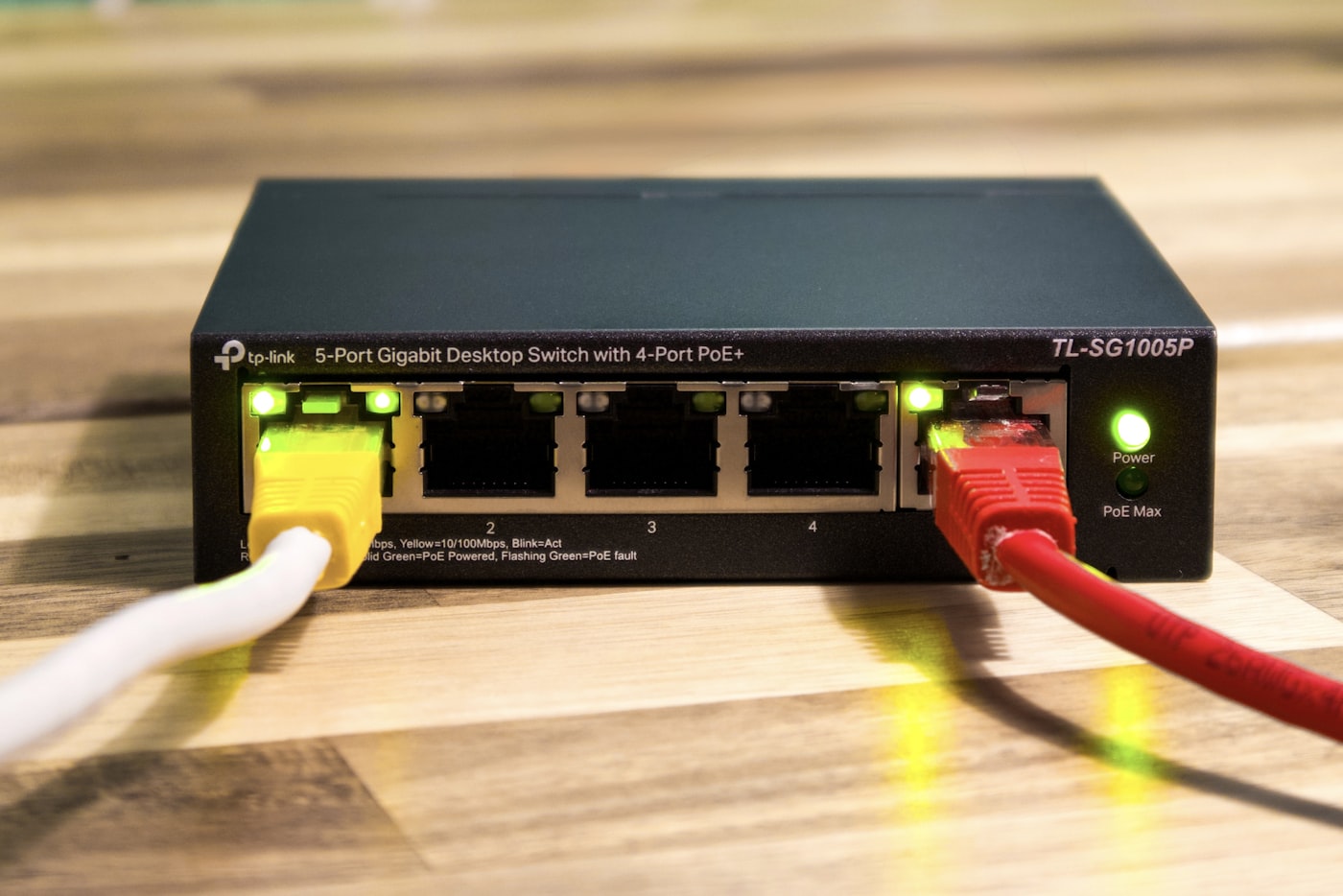
- Use local console access before editing network configuration.
- Confirm cable, switch port, and link lights.
- Check which network interface name the host sees.
Watch the traps
Most expensive beginner risks
- Do not blindly copy another host's interface name.
- Avoid remote-only network edits on a single-NIC host.
Recommended Checks
- Use local console access before editing network configuration.
- Confirm cable, switch port, and link lights.
- Check which network interface name the host sees.
- Confirm the Proxmox bridge uses the correct physical port.
- Verify static IP, gateway, DNS, and subnet.
- Reboot only after saving known-good rollback notes.
Verification
- The Proxmox web UI loads from another device.
- The host can ping the gateway.
- A VM attached to the bridge can reach the LAN.
Warnings
- Do not blindly copy another host's interface name.
- Avoid remote-only network edits on a single-NIC host.
Best For
- Fresh installs
- Mini PC NIC changes
- Bridge mapping mistakes
Not For
- WAN firewall policy debugging
- Switch VLAN designs without topology notes
Common Beginner Traps
- Using the old eth0 naming assumption
- Putting the IP on the physical interface instead of the bridge
- Missing gateway or subnet typo
Save this before checkout
Save this before acting
- Exact hardware details matter more than the product family name.
- Backups and rollback should exist before important changes.
- Unknown NIC, storage, or passthrough details are buying blockers.
- A simpler first build is usually easier to trust.
Examples
Expected host IP:
Gateway:
Physical interface:
Bridge:
Switch port:
Can host ping gateway:
Can client open web UI:
FAQ
Is Proxmox No Network After Install beginner-friendly?
It can be, if you treat it as a checklist and verify the exact hardware, storage, network, and backup details before depending on it.
What should I verify first?
Start with the exact SKU or configuration, then check NIC, RAM, storage ownership, cooling, backups, and rollback.
What is the main trap?
Moving forward because the category sounds right while the exact failure mode is still unknown.
When should I pause?
Pause when the plan depends on unknown NIC behavior, unclear disk ownership, no backup target, or no way to recover from a bad change.
What should I read next?
Follow the reading path at the bottom of the page based on the first risk you found.
Sources
What to read next