error fix
Proxmox VM No Internet
When a Proxmox VM has no internet, debug in order: host link, bridge mapping, VM NIC, gateway, DNS, firewall rules, and recent network changes.
Independent third-party notes. Verify critical homelab changes against primary docs and your exact hardware revision.
Quick Answer
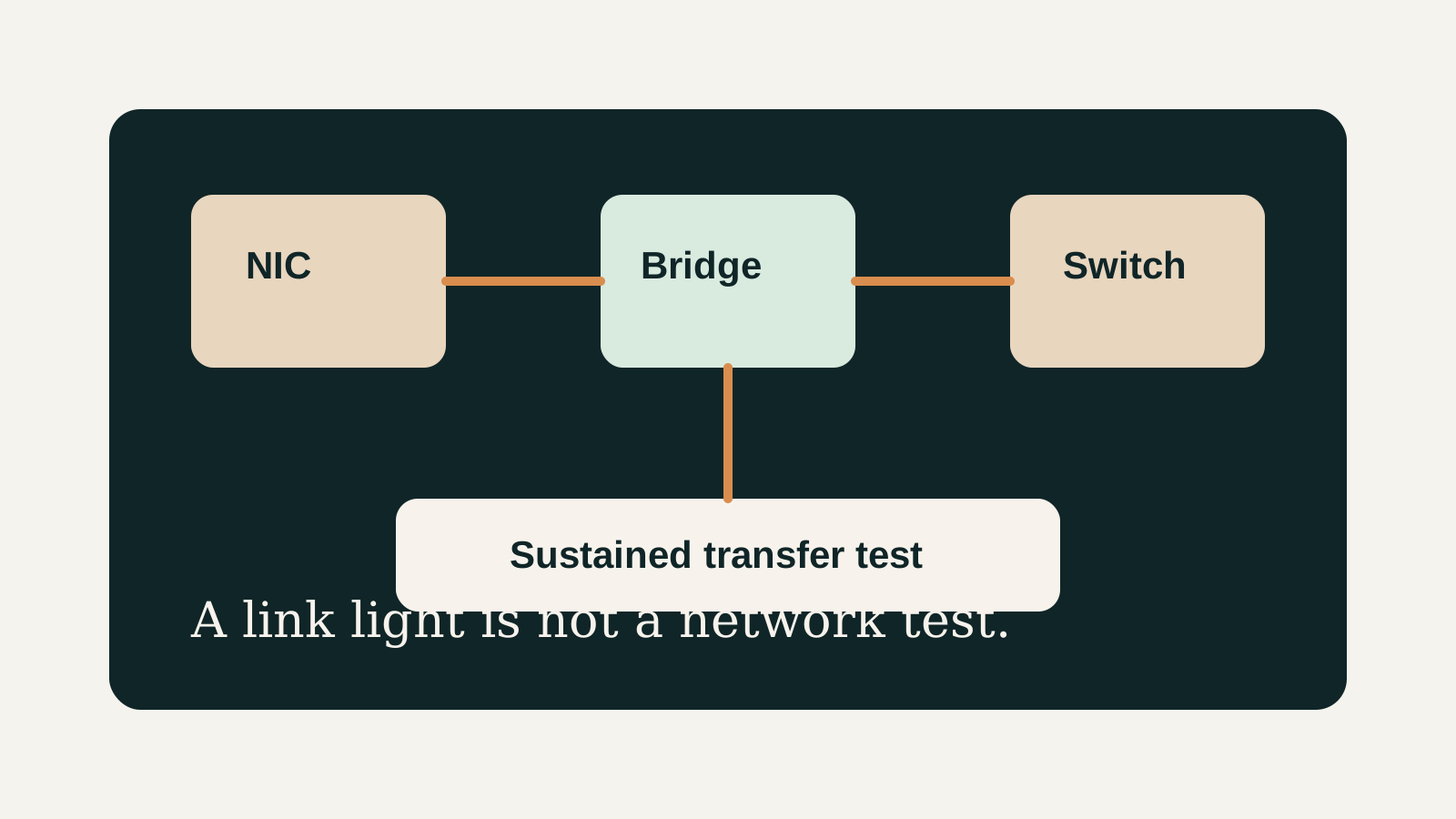
Start with the host and bridge before editing the guest. Confirm the Proxmox host has network access, the VM is attached to the intended bridge, the gateway is reachable, and DNS is not being mistaken for full network failure.
Reader verdict
Fix the path, not random settings.
Treat VM internet failure as a chain: physical NIC, Linux bridge, VM adapter, IP/gateway, DNS, and firewall.
- Best for
- Single-node homelabs, fresh Proxmox installs, and bridge changes that broke guest access.
- Avoid if
- The host itself has no network; fix host management first.
- Biggest risk
- Changing multiple network layers at once and losing the known-good state.
Proxmox VM No Internet should help you make a calmer decision. The point is not to make the homelab more complicated; it is to reveal the first thing that could make the build annoying, fragile, or hard to recover.
Choose your path
If this is your situation, start here
Beginner-safe default
Beginner-safe default
Choose the boring path first: known hardware details, one clear storage owner, console access for network changes, and a backup target outside the host.
- Exact SKU, NIC, and storage layout are recorded
- Rollback or restore path exists before the change
- The next step is small enough to test
Decision Score
Useful because it gives a safe order of operations.
Console access and rollback matter more than speed.
A wrong bridge or interface can cut off access immediately.
This is more troubleshooting than buying advice.
A structured check prevents random config edits.
Upgrade Path
- Start with the simplest design that satisfies the current workload.
- Add complexity only after backups, restore tests, and network access are proven.
- Move to the next hardware or architecture class when the current constraint is measured, not guessed.
Key Facts
- Triage rule
- Collect exact symptoms before changing configuration.
- Recent change
- The last network, storage, update, or hardware change is often the fastest clue.
- Rollback rule
- Keep console access and known-good notes before editing core host settings.
- Best use
- fix VM network connectivity.
How to decide
| If this is true | Safer path | Pause when |
|---|---|---|
| The exact hardware details are known | Continue with the checklist | NIC, RAM, or storage details are missing |
| The setup will hold important data | Plan backup and restore first | Redundancy is being treated as backup |
| The design needs passthrough or VLANs | Document rollback before changing | You have no local console access |
| The goal is a first homelab | Keep the first version boring | The plan depends on too many untested assumptions |
Recommended Checks
- Record the exact symptom, affected host, VM, interface, or storage target.
- Check the most recent change before assuming a platform failure.
- Verify host health, network mapping, storage availability, and logs.
- Make one small change at a time.
- Confirm the fix with both host-level and workload-level tests.
Verification
- The original symptom is gone.
- The affected VM or service works after reboot.
- The change and rollback notes are recorded.
Warnings
- Do not reinstall before checking configuration and recent changes.
- Avoid remote-only fixes when network access is unstable.
Best For
- Concrete Proxmox symptoms
- Single-host troubleshooting
- Readers needing a safe diagnostic path
Not For
- Unmapped multi-site networks
- Hardware failure claims without evidence
- Making several changes at once
Common Beginner Traps
- Skipping logs
- Changing multiple variables at once
- Fixing remotely without console access
Save this before checkout
Save this before acting
- Exact hardware details matter more than the product family name.
- Backups and rollback should exist before important changes.
- Unknown NIC, storage, or passthrough details are buying blockers.
- A simpler first build is usually easier to trust.
Examples
Symptom:
Last change:
Host state:
Network/storage check:
Action taken:
Verification:
FAQ
Is Proxmox VM No Internet beginner-friendly?
It can be, if you treat it as a checklist and verify the exact hardware, storage, network, and backup details before depending on it.
What should I verify first?
Start with the exact SKU or configuration, then check NIC, RAM, storage ownership, cooling, backups, and rollback.
What is the main trap?
Moving forward because the category sounds right while the exact failure mode is still unknown.
When should I pause?
Pause when the plan depends on unknown NIC behavior, unclear disk ownership, no backup target, or no way to recover from a bad change.
What should I read next?
Follow the reading path at the bottom of the page based on the first risk you found.
Sources
What to read next