networking fit
Proxmox VLAN Aware Bridge Checklist
A Proxmox VLAN-aware bridge is useful when one host must carry multiple networks, but it should be configured only with console access, switch port clarity, and rollback notes.
Independent third-party notes. Verify critical homelab changes against primary docs and your exact hardware revision.
Quick Answer
Use a VLAN-aware bridge when you can identify the physical interface, switch trunk/access behavior, management VLAN, and guest VLANs. Do not make the change remotely without a rollback path.
Reader verdict
Configure VLAN-aware bridging only when management access is protected.
It is a good fit for segmented homelabs, but only after the switch port, bridge name, and rollback path are written down.
- Best for
- Labs with multiple VLANs, firewall VMs, and separated services.
- Avoid if
- You have no console access or are unsure how the switch port is configured.
- Biggest risk
- Locking yourself out by moving management traffic onto the wrong VLAN.
Proxmox VLAN Aware Bridge Checklist should help you make a calmer decision. The point is not to make the homelab more complicated; it is to reveal the first thing that could make the build annoying, fragile, or hard to recover.
Choose your path
If this is your situation, start here
Beginner-safe default
Beginner-safe default
Choose the boring path first: known hardware details, one clear storage owner, console access for network changes, and a backup target outside the host.
- Exact SKU, NIC, and storage layout are recorded
- Rollback or restore path exists before the change
- The next step is small enough to test
Decision Score
Manageable if console access and rollback are ready before changes.
Worth treating as a first-class buying and migration decision.
Safe only when management access survives a bad bridge or link change.
Useful when the switch, cable, and workload can use it.
Driver, switch, VLAN, and bridge issues can look similar.
Upgrade Path
- Start with the simplest design that satisfies the current workload.
- Add complexity only after backups, restore tests, and network access are proven.
- Move to the next hardware or architecture class when the current constraint is measured, not guessed.
Key Facts
- Decision focus
- Network fit depends on the NIC, driver path, bridge configuration, switch, cable, and workload.
- Bridge rule
- Proxmox guests normally use a Linux bridge mapped to the intended physical interface.
- Testing rule
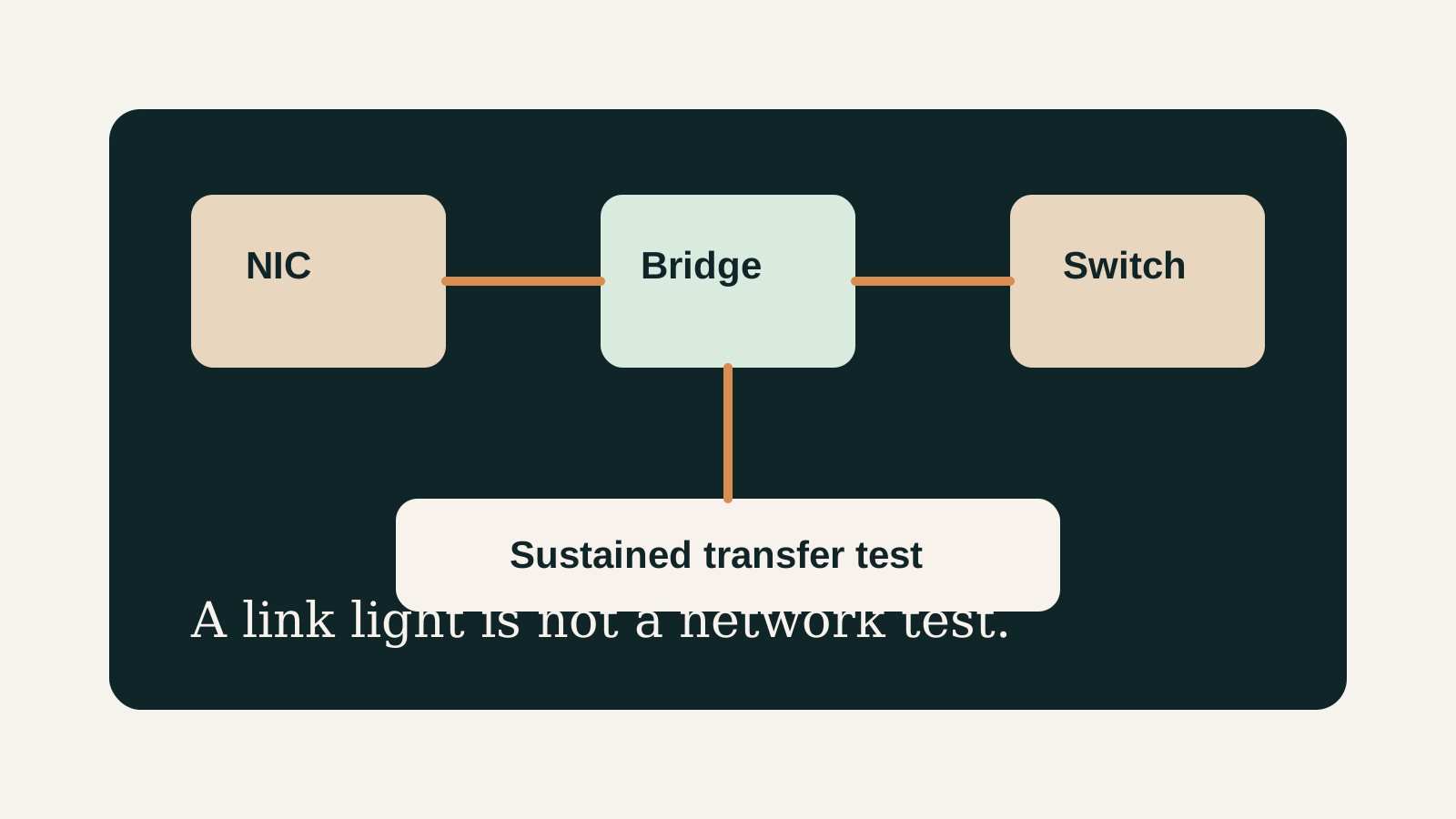
- A web UI load is not enough; sustained traffic and guest connectivity should be tested.
- Best use
- configure VLAN-aware bridge safely.
How to decide
| If this is true | Safer path | Pause when |
|---|---|---|
| The exact hardware details are known | Continue with the checklist | NIC, RAM, or storage details are missing |
| The setup will hold important data | Plan backup and restore first | Redundancy is being treated as backup |
| The design needs passthrough or VLANs | Document rollback before changing | You have no local console access |
| The goal is a first homelab | Keep the first version boring | The plan depends on too many untested assumptions |
Recommended Checks
- Identify the exact NIC or network feature from the running host.
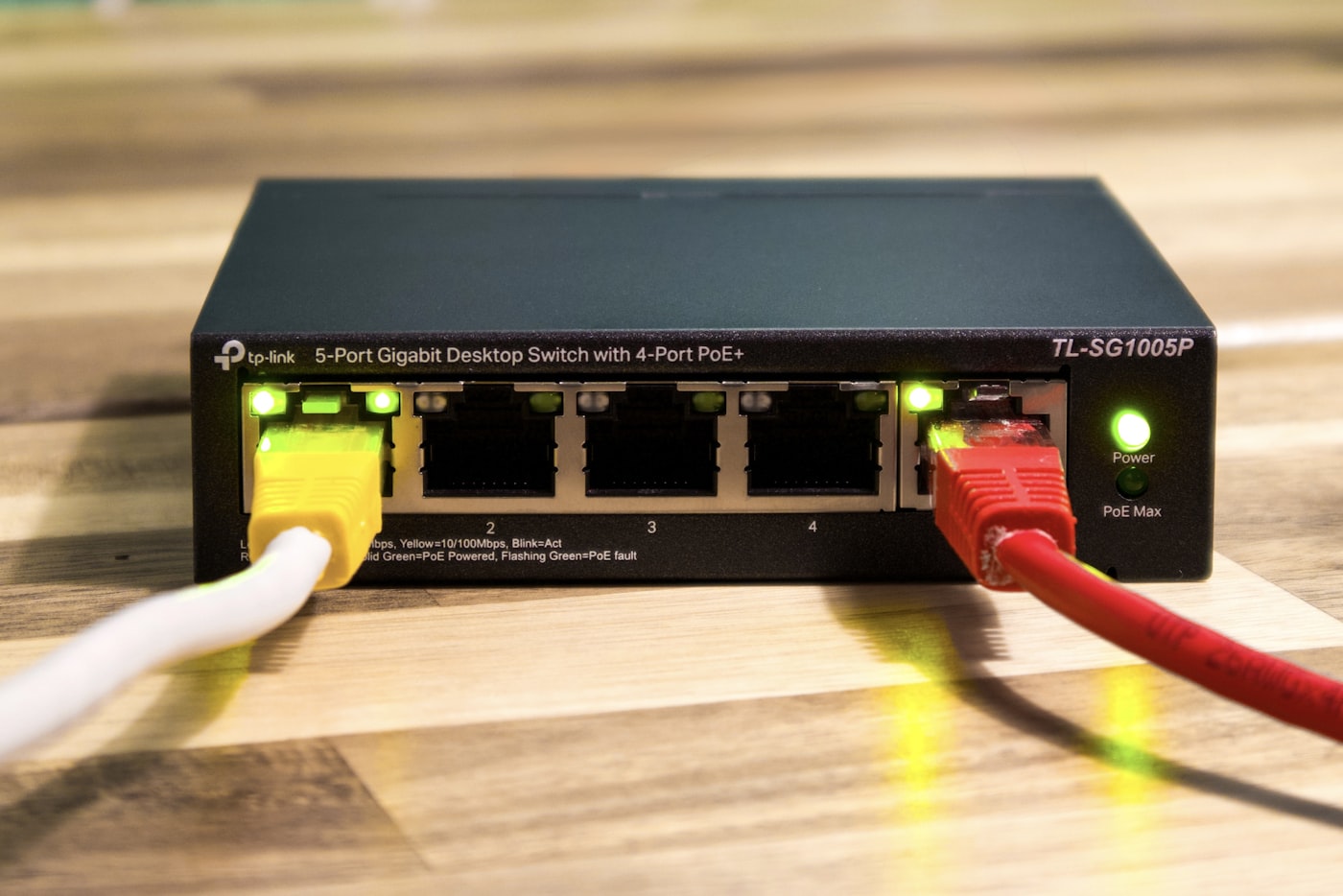
- Record bridge name, physical interface, expected link speed, switch port, and cable.
- Confirm host management access before editing network configuration.
- Test VM connectivity through the bridge.
- Run sustained transfers and watch for link drops or errors.
Verification
- The host links at the expected speed.
- A VM attached to the bridge reaches the LAN.
- Sustained traffic does not flap or drop the link.
Warnings
- Remote-only network edits can lock you out of a single-host homelab.
- Switch negotiation, VLAN mistakes, and cables can mimic driver problems.
Best For
- Mini PC networking checks
- Proxmox bridge troubleshooting
- NIC buying decisions
Not For
- Unmapped enterprise VLAN redesigns
- WAN firewall debugging without topology notes
- Assuming a NIC model alone proves stability
Common Beginner Traps
- Testing only from the Proxmox web UI
- Editing the wrong interface name
- Skipping cable and switch checks
Save this before checkout
Save this before acting
- Exact hardware details matter more than the product family name.
- Backups and rollback should exist before important changes.
- Unknown NIC, storage, or passthrough details are buying blockers.
- A simpler first build is usually easier to trust.
Examples
NIC / feature:
Physical interface:
Bridge:
Expected speed:
Switch port:
VLANs:
Transfer test result:
FAQ
Is Proxmox VLAN Aware Bridge Checklist beginner-friendly?
It can be, if you treat it as a checklist and verify the exact hardware, storage, network, and backup details before depending on it.
What should I verify first?
Start with the exact SKU or configuration, then check NIC, RAM, storage ownership, cooling, backups, and rollback.
What is the main trap?
Moving forward because the category sounds right while the exact failure mode is still unknown.
When should I pause?
Pause when the plan depends on unknown NIC behavior, unclear disk ownership, no backup target, or no way to recover from a bad change.
What should I read next?
Follow the reading path at the bottom of the page based on the first risk you found.
Sources
What to read next