hardware fit
Should You Buy Intel N100 For a Proxmox NAS?
Intel N100 mini PCs are attractive Proxmox NAS starters because they are low-power, modern, and inexpensive, but storage expansion and NIC quality decide whether the build is comfortable.
Independent third-party notes. Verify critical homelab changes against primary docs and your exact hardware revision.
Quick Answer
Intel N100 mini PCs are attractive Proxmox NAS starters because they are low-power, modern, and inexpensive, but storage expansion and NIC quality decide whether the build is comfortable. Before buying or changing the build, verify the risks below instead of trusting the headline spec.
Buyer verdict
Buy only if the exact SKU passes the checklist.
Intel N100 mini PCs are attractive Proxmox NAS starters because they are low-power, modern, and inexpensive, but storage expansion and NIC quality decide whether the build is comfortable.
- Best for
- Low-power always-on lab
- Avoid if
- Large ZFS arrays
- Biggest risk
- N100 is efficient, not a substitute for drive bays.
The Intel N100 is popular for the right reason: it gives homelab builders enough modern CPU for many always-on services without the noise and power draw of old servers. But an N100 NAS is not really an N100 decision. It is a chassis, RAM, NIC, storage, and backup decision with a low-power CPU in the middle.
Choose your path
If this is your situation, start here
Beginner-safe default
Beginner-safe default
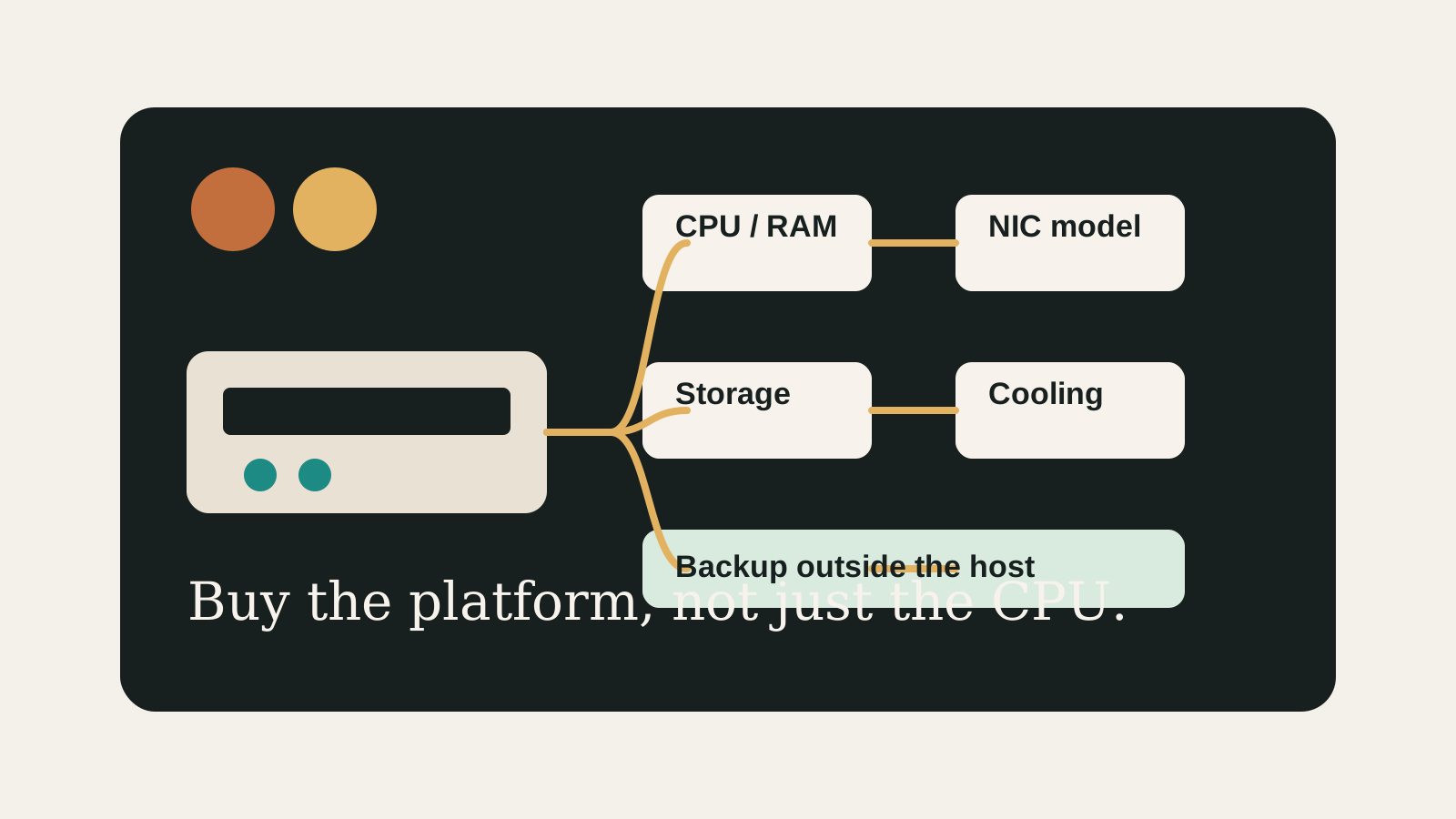
Choose the boring path first: known hardware details, one clear storage owner, console access for network changes, and a backup target outside the host.
- Exact SKU, NIC, and storage layout are recorded
- Rollback or restore path exists before the change
- The next step is small enough to test
Decision Score
Efficient if the SKU matches the workload.
Compact systems are usually quiet, but thermals must be tested.
Depends on the exact M.2, SATA, and external storage plan.
Do not buy without confirming the NIC model.
Good when the hardware role is narrow and documented.
Upgrade Path
- Start with the simplest design that satisfies the current workload.
- Add complexity only after backups, restore tests, and network access are proven.
- Move to the next hardware or architecture class when the current constraint is measured, not guessed.
Key Facts
- Best fit
- Small Proxmox hosts running light VMs, containers, Home Assistant, media tools, and simple NAS duties.
- Main constraint
- Many N100 systems have limited internal storage expansion.
- Network check
- Confirm whether the unit uses Intel, Realtek, or another 2.5G NIC before buying.
- RAM check
- Capacity and replaceability vary by model.
N100 fit checklist
| Build goal | Likely fit | Check before buying |
|---|---|---|
| Home Assistant plus containers | Strong fit | RAM ceiling and USB device plan |
| Small NAS services | Conditional fit | Drive count, backup target, and NIC stability |
| Multiple heavy VMs | Weak-to-conditional fit | RAM, cooling, and CPU headroom |
| Media workloads | Conditional fit | Transcoding needs and storage bandwidth |
How to decide
| If this is true | Safer path | Pause when |
|---|---|---|
| The exact hardware details are known | Continue with the checklist | NIC, RAM, or storage details are missing |
| The setup will hold important data | Plan backup and restore first | Redundancy is being treated as backup |
| The design needs passthrough or VLANs | Document rollback before changing | You have no local console access |
| The goal is a first homelab | Keep the first version boring | The plan depends on too many untested assumptions |
Before You Buy
- Check the exact mini PC model rather than only the N100 CPU label.
- Confirm RAM capacity, M.2 slots, SATA options, NIC model, and BIOS virtualization settings.
- Decide whether the NAS workload needs ZFS mirror, external storage, or a separate NAS.
Watch the traps
Most expensive beginner risks
- N100 is efficient, not a substitute for drive bays.
- USB-attached storage can be convenient but adds cabling and reliability tradeoffs.
Recommended Checks
- Check the exact mini PC model rather than only the N100 CPU label.
- Confirm RAM capacity, M.2 slots, SATA options, NIC model, and BIOS virtualization settings.
- Decide whether the NAS workload needs ZFS mirror, external storage, or a separate NAS.
- Plan a backup destination before storing important files.
- Run a Proxmox installer test and verify network stability before migrating workloads.
Verification
- Proxmox installs cleanly.
- The NIC survives reboot and sustained transfer tests.
- VMs and containers fit within available RAM.
Buying lens
Do not let the CPU hide the storage problem.
A cheap N100 box can be an excellent Proxmox node, but it cannot magically become a drive-bay NAS. If the storage path is awkward on paper, it will be worse after you trust data to it.
Warnings
- N100 is efficient, not a substitute for drive bays.
- USB-attached storage can be convenient but adds cabling and reliability tradeoffs.
Best For
- Low-power always-on lab
- Home Assistant plus containers
- Small file services with external backup
Not For
- Large ZFS arrays
- Heavy transcoding plus many VMs
- Users needing ECC and server management features
Common Beginner Traps
- Buying a sealed low-RAM model
- Ignoring cooling
- Assuming every 2.5G NIC behaves the same
Save this before checkout
Save this before acting
- Exact hardware details matter more than the product family name.
- Backups and rollback should exist before important changes.
- Unknown NIC, storage, or passthrough details are buying blockers.
- A simpler first build is usually easier to trust.
Examples
Good fit: 16-32 GB RAM, known 2.5G NIC, at least one NVMe slot, external backup
Weak fit: 8 GB soldered RAM, unknown NIC, single small SSD, no backup path
FAQ
Is Should You Buy Intel N100 For a Proxmox NAS? beginner-friendly?
It can be, if you treat it as a checklist and verify the exact hardware, storage, network, and backup details before depending on it.
What should I verify first?
Start with the exact SKU or configuration, then check NIC, RAM, storage ownership, cooling, backups, and rollback.
What is the main trap?
Moving forward because the category sounds right while the exact failure mode is still unknown.
When should I pause?
Pause when the plan depends on unknown NIC behavior, unclear disk ownership, no backup target, or no way to recover from a bad change.
What should I read next?
Follow the reading path at the bottom of the page based on the first risk you found.
Sources
What to read next