comparison
Mini PC vs Used Server For Proxmox
Choose a mini PC for low power, low noise, and compact everyday homelab use; choose a used server when drive bays, ECC options, PCIe expansion, and serviceability matter more.
Independent third-party notes. Verify critical homelab changes against primary docs and your exact hardware revision.
Quick Answer
Choose a mini PC for low power, low noise, and compact everyday homelab use; choose a used server when drive bays, ECC options, PCIe expansion, and serviceability matter more. Before buying or changing the build, verify the risks below instead of trusting the headline spec.
Buyer verdict
Use this as a decision checkpoint before spending money.
Choose a mini PC for low power, low noise, and compact everyday homelab use; choose a used server when drive bays, ECC options, PCIe expansion, and serviceability matter more.
- Best for
- Pre-buy decisions
- Avoid if
- Universal recommendations
- Biggest risk
- Do not choose the more complex architecture just because it looks more professional.
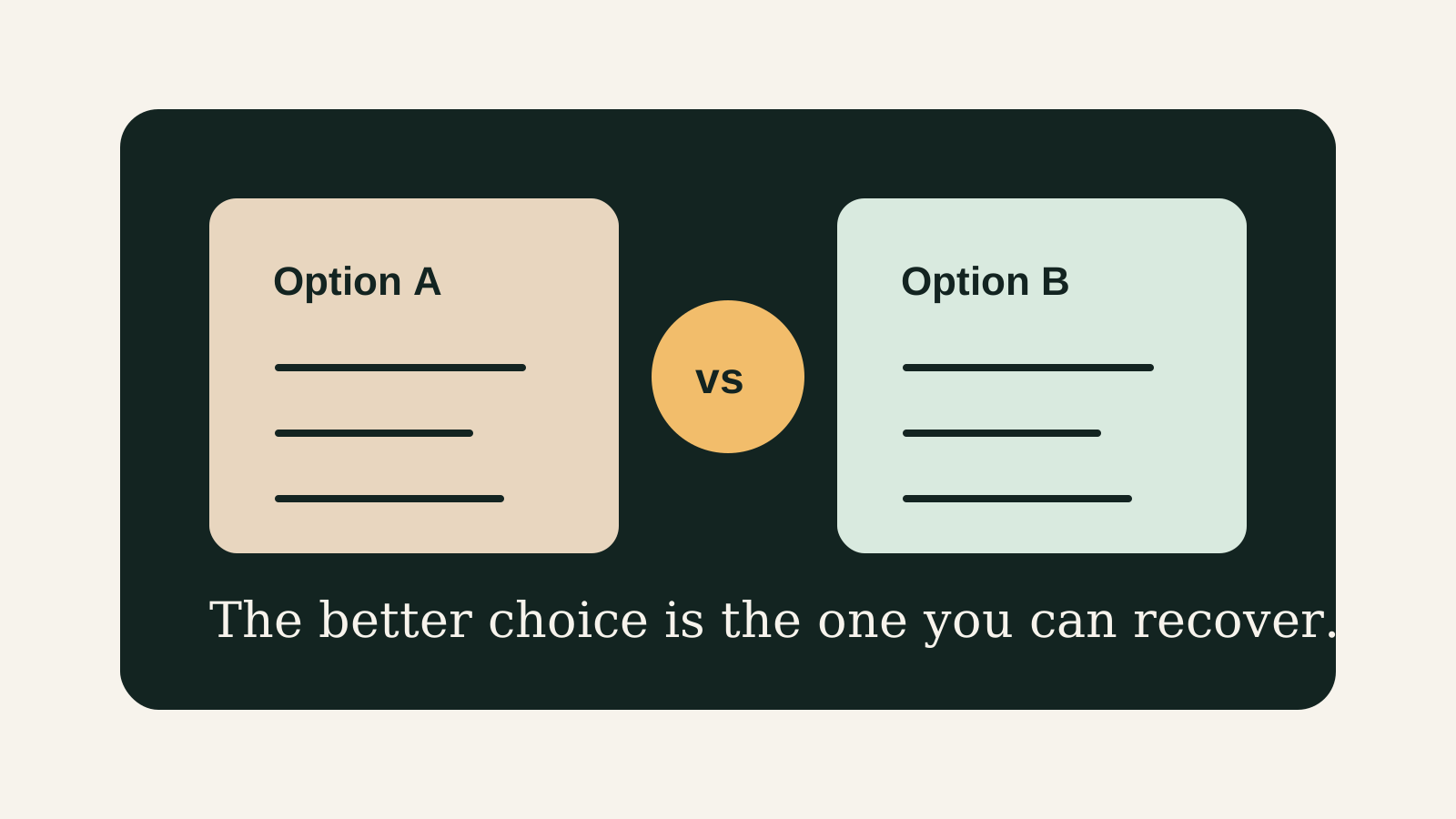
This is the fork many homelab builders hit after the first successful Proxmox install. A mini PC feels modern and civilized. A used server feels capable and forgiving. Neither is the adult choice by default. The adult choice is the one whose failure modes you can afford, hear, power, cool, and recover from.
Choose your path
If this is your situation, start here
Beginner-safe default
Beginner-safe default
Choose the boring path first: known hardware details, one clear storage owner, console access for network changes, and a backup target outside the host.
- Exact SKU, NIC, and storage layout are recorded
- Rollback or restore path exists before the change
- The next step is small enough to test
Decision Score
The right answer depends on the system chosen.
Compare where the machine will actually live.
The full platform matters more than the headline spec.
NIC and bridge details can decide the winner.
Useful when it leads to a simpler first build.
Upgrade Path
- Start with the simplest design that satisfies the current workload.
- Add complexity only after backups, restore tests, and network access are proven.
- Move to the next hardware or architecture class when the current constraint is measured, not guessed.
Key Facts
- Decision focus
- There is no universal winner; the right choice depends on workload, data risk, power, noise, budget, and recovery skill.
- Best use
- choose mini PC or used server.
- Proof point
- The decision should be backed by a written workload and restore plan.
- Commercial angle
- This page supports buying and architecture decisions before hardware or storage layout is locked in.
Mini PC vs used server decision grid
| Need | Mini PC advantage | Used server advantage |
|---|---|---|
| Power and noise | Usually much better | Often a compromise |
| Drive bays | Limited or external | Usually stronger |
| PCIe expansion | Limited | Much stronger |
| Living-space use | Easy to place | Often too loud or large |
How to decide
| If this is true | Safer path | Pause when |
|---|---|---|
| The exact hardware details are known | Continue with the checklist | NIC, RAM, or storage details are missing |
| The setup will hold important data | Plan backup and restore first | Redundancy is being treated as backup |
| The design needs passthrough or VLANs | Document rollback before changing | You have no local console access |
| The goal is a first homelab | Keep the first version boring | The plan depends on too many untested assumptions |
Before You Buy
- Write the workload that must run for the next 12 months.
- List constraints: budget, power, noise, space, RAM, storage, and network.
- Pick the option with the fewest recovery surprises.
Watch the traps
Most expensive beginner risks
- Do not choose the more complex architecture just because it looks more professional.
- Do not ignore backup and restore workflow when comparing hardware or platforms.
Recommended Checks
- Write the workload that must run for the next 12 months.
- List constraints: budget, power, noise, space, RAM, storage, and network.
- Pick the option with the fewest recovery surprises.
- Document the tradeoff you are accepting.
- Verify the choice with a small test before migrating important data.
Verification
- The selected option fits the written workload.
- The rejected option has a clear reason.
- A restore or rollback path is documented.
Practical stance
The winner depends on where the machine has to live.
A rack server in the wrong room is a failed product, no matter how good the price was. A mini PC with no path for storage is the same mistake in a quieter costume.
Warnings
- Do not choose the more complex architecture just because it looks more professional.
- Do not ignore backup and restore workflow when comparing hardware or platforms.
Best For
- Pre-buy decisions
- Architecture choices
- Homelab builders avoiding overbuild
Not For
- Universal recommendations
- Enterprise procurement
- Spec-only comparisons
Common Beginner Traps
- Optimizing one benchmark
- Ignoring recovery skill
- Choosing complexity before proving need
Save this before checkout
Save this before acting
- Exact hardware details matter more than the product family name.
- Backups and rollback should exist before important changes.
- Unknown NIC, storage, or passthrough details are buying blockers.
- A simpler first build is usually easier to trust.
Examples
Workload:
Option A:
Option B:
Chosen option:
Accepted tradeoff:
Rollback plan:
FAQ
Is Mini PC vs Used Server For Proxmox beginner-friendly?
It can be, if you treat it as a checklist and verify the exact hardware, storage, network, and backup details before depending on it.
What should I verify first?
Start with the exact SKU or configuration, then check NIC, RAM, storage ownership, cooling, backups, and rollback.
What is the main trap?
Moving forward because the category sounds right while the exact failure mode is still unknown.
When should I pause?
Pause when the plan depends on unknown NIC behavior, unclear disk ownership, no backup target, or no way to recover from a bad change.
What should I read next?
Follow the reading path at the bottom of the page based on the first risk you found.
Sources
What to read next