hardware fit
Beelink EQ13 Proxmox Fit
Beelink EQ13 can be a reasonable Proxmox candidate only after the exact SKU, NIC, RAM, storage, cooling, and BIOS access are confirmed.
Independent third-party notes. Verify critical homelab changes against primary docs and your exact hardware revision.
Quick Answer
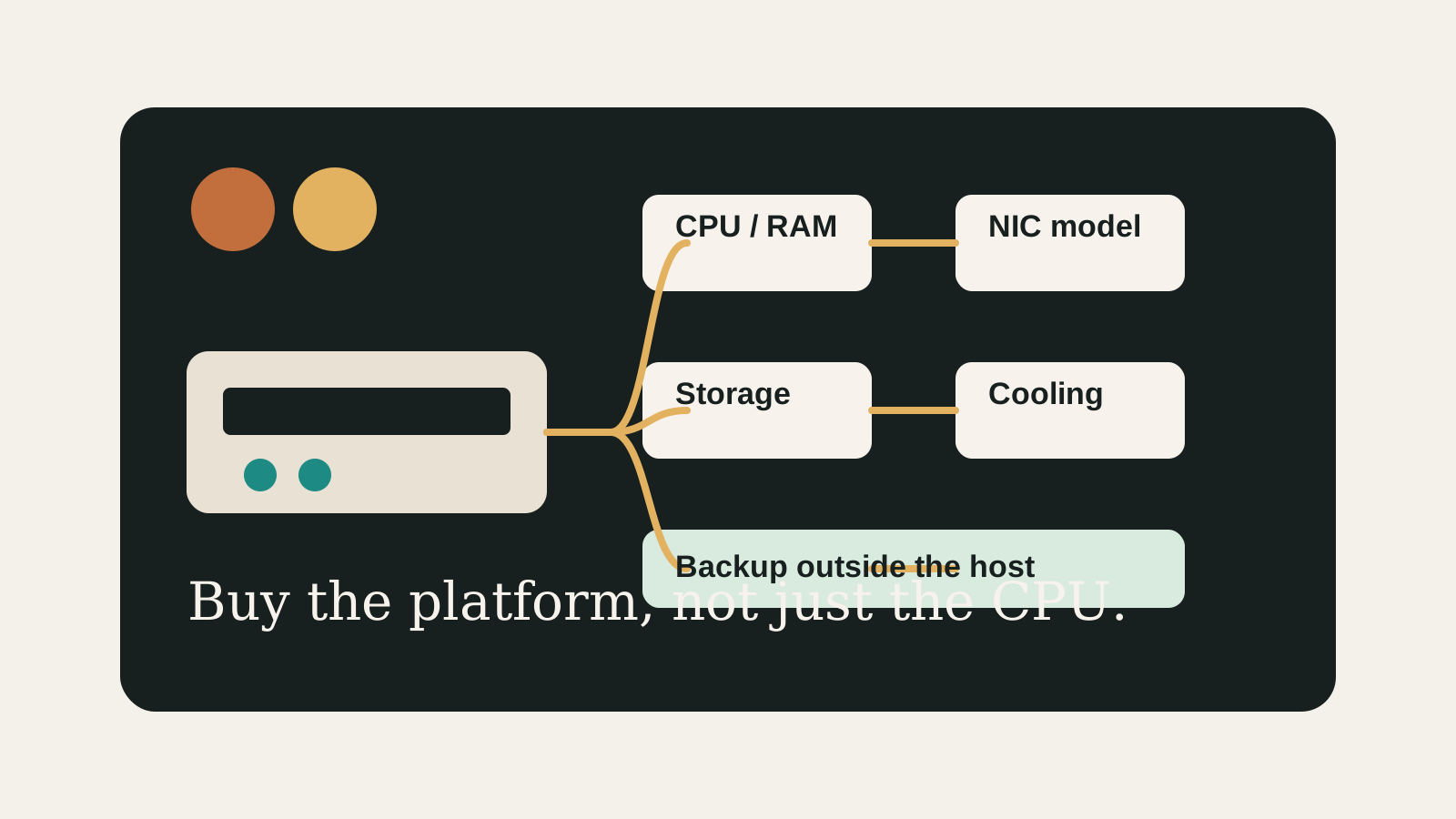
Treat Beelink EQ13 as a fit-check purchase: confirm the exact hardware revision, NIC model, RAM configuration, drive layout, and cooling expectations before trusting it with always-on services.
Reader verdict
Buy only after the exact EQ13 configuration is no longer vague.
The EQ13 path can work for light Proxmox use, but the listing details matter more than the brand name.
- Best for
- Small always-on services, low-power labs, and buyers willing to verify the exact SKU.
- Avoid if
- You need many drives, heavy VM headroom, or cannot confirm NIC and RAM details.
- Biggest risk
- Assuming all EQ13 listings have the same homelab-friendly details.
Beelink EQ13 Proxmox Fit should help you make a calmer decision. The point is not to make the homelab more complicated; it is to reveal the first thing that could make the build annoying, fragile, or hard to recover.
Choose your path
If this is your situation, start here
Beginner-safe default
Beginner-safe default
Choose the boring path first: known hardware details, one clear storage owner, console access for network changes, and a backup target outside the host.
- Exact SKU, NIC, and storage layout are recorded
- Rollback or restore path exists before the change
- The next step is small enough to test
Decision Score
Good when used as a fit check instead of a promise that every SKU behaves the same.
Improves only after the exact SKU, NIC, RAM, and storage layout are confirmed.
Often the first constraint in compact systems.
Exact NIC model and switch path still need verification.
Fine for modest homelabs, weaker for broad expansion plans.
Upgrade Path
- Start with the simplest design that satisfies the current workload.
- Add complexity only after backups, restore tests, and network access are proven.
- Move to the next hardware or architecture class when the current constraint is measured, not guessed.
Key Facts
- Decision focus
- Validate the complete platform instead of judging the build from the model name alone.
- Most important checks
- RAM ceiling, NIC model, storage connections, cooling, firmware options, and backup path decide most homelab outcomes.
- Safe source boundary
- This page does not claim exact hardware specifications unless the exact SKU has a reliable source.
- Best use
- check Beelink EQ13 for Proxmox.
How to decide
| If this is true | Safer path | Pause when |
|---|---|---|
| The exact hardware details are known | Continue with the checklist | NIC, RAM, or storage details are missing |
| The setup will hold important data | Plan backup and restore first | Redundancy is being treated as backup |
| The design needs passthrough or VLANs | Document rollback before changing | You have no local console access |
| The goal is a first homelab | Keep the first version boring | The plan depends on too many untested assumptions |
Recommended Checks
- Record the exact Beelink EQ13 model, SKU, CPU, RAM configuration, NIC model, and storage layout.
- Map planned workloads to CPU, memory, network, and storage needs.
- Confirm virtualization options are available in firmware before relying on VM or passthrough plans.
- Check whether storage is internal, external, passed through, or hosted on another NAS.
- Plan off-host backups before moving important data.
Verification
- The exact hardware revision and NIC model are recorded.
- Proxmox installation and network access can be tested before migration.
- Backup and rollback paths exist outside the host.
Warnings
- Do not assume every SKU with the same marketing name has the same NIC, RAM, or storage behavior.
- A compact system can be limited by thermals or drive options before it is limited by CPU.
Best For
- Mini PC and used-hardware buyers
- Low-power homelab planning
- Readers comparing hardware before purchase
Not For
- Enterprise availability requirements
- Large internal drive arrays
- Users needing vendor-supported compatibility guarantees
Common Beginner Traps
- Comparing only CPU benchmarks
- Ignoring NIC model and RAM ceiling
- Treating local redundancy as backup
Save this before checkout
Save this before acting
- Exact hardware details matter more than the product family name.
- Backups and rollback should exist before important changes.
- Unknown NIC, storage, or passthrough details are buying blockers.
- A simpler first build is usually easier to trust.
Examples
Model:
SKU / revision:
CPU:
RAM ceiling:
NIC model:
Storage slots:
Workloads:
Backup target:
FAQ
Is Beelink EQ13 Proxmox Fit beginner-friendly?
It can be, if you treat it as a checklist and verify the exact hardware, storage, network, and backup details before depending on it.
What should I verify first?
Start with the exact SKU or configuration, then check NIC, RAM, storage ownership, cooling, backups, and rollback.
What is the main trap?
Moving forward because the category sounds right while the exact failure mode is still unknown.
When should I pause?
Pause when the plan depends on unknown NIC behavior, unclear disk ownership, no backup target, or no way to recover from a bad change.
What should I read next?
Follow the reading path at the bottom of the page based on the first risk you found.
Sources
What to read next