storage fit
Proxmox Storage Layout For Beginners
A beginner-friendly Proxmox storage layout names each role first: boot, VM disks, ISOs/templates, NAS data, backups, and restore testing.
Independent third-party notes. Verify critical homelab changes against primary docs and your exact hardware revision.
Quick Answer
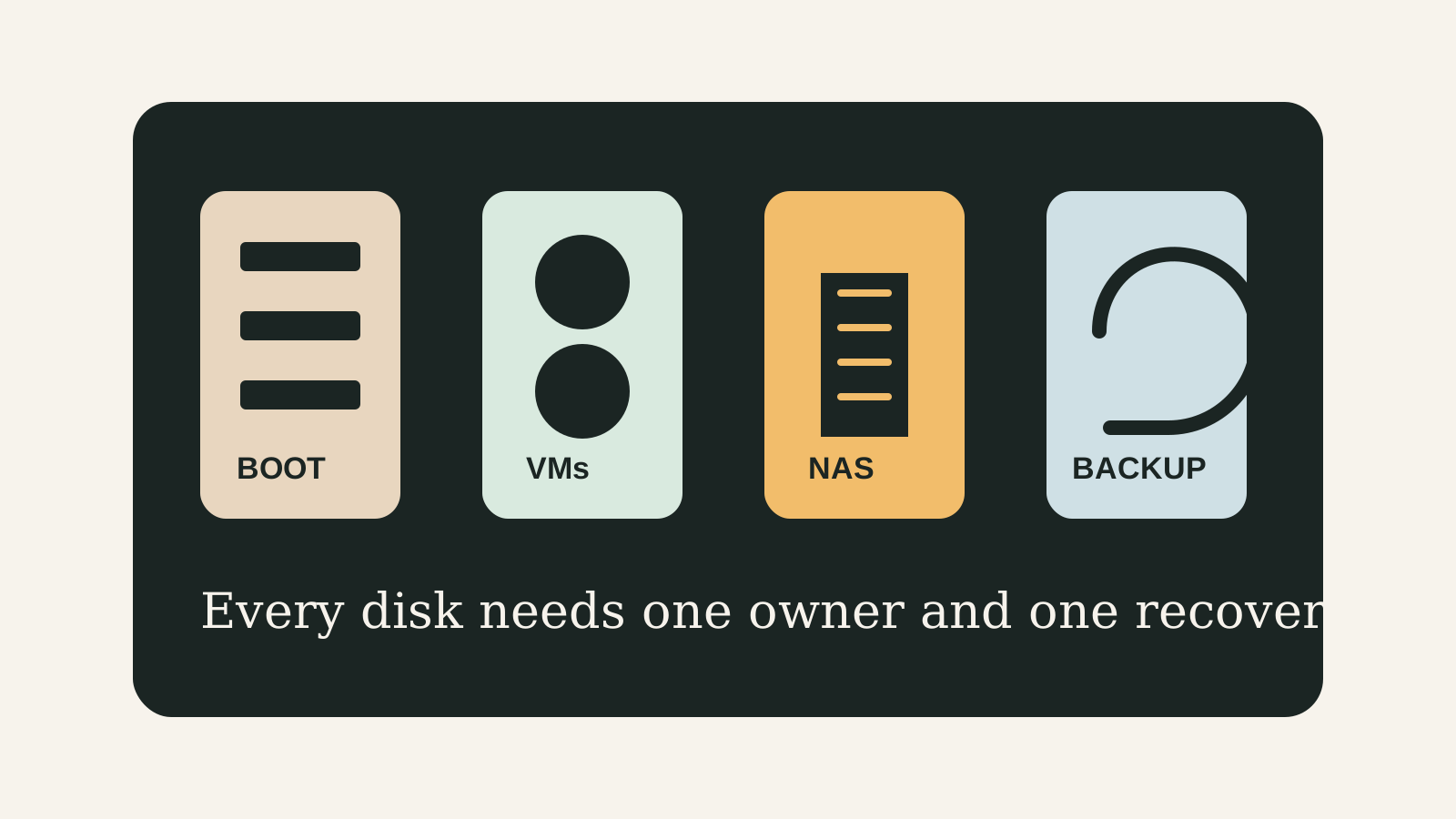
Do not start with ZFS vs local-lvm vs directory. Start by naming what each disk stores and who owns it. The safest beginner layout is the one you can restore without guessing.
Storage verdict
Choose roles before formats.
For a first Proxmox host, keep disk ownership simple and backups off-box. Add ZFS, NAS VMs, or passthrough only after you can explain the restore path.
- Best for
- Beginners choosing between local-lvm, directory storage, ZFS, and NAS VM ownership.
- Avoid if
- You cannot say which system owns each disk or where restores come from.
- Biggest risk
- Mixing boot, VM disks, NAS data, and backups into one vague storage bucket.
Storage is where a fun lab quietly becomes infrastructure. The trick is to avoid cleverness until the roles are clear: boot should be boring, VM disks should be recoverable, NAS data should have one owner, and backups should leave the host.
Choose your path
If this is your situation, start here
Beginner-safe default
Beginner-safe default
Keep Proxmox boot and VM storage simple, store backups outside the host, and delay passthrough until the disk ownership model is obvious.
- Boot disk is not the only backup location
- VM disks and ISO/template storage have separate roles
- Restore test is scheduled before real data moves in
Decision Score
Storage choices can change idle and sustained behavior.
Drive count and cooling affect placement.
This is the main reason to plan the page carefully.
NAS use still depends on the transfer path.
Friendly only when ownership and backups are explicit.
Upgrade Path
- Move from default local storage to ZFS mirror when you have two suitable drives and backup discipline.
- Move from Proxmox-managed storage to NAS VM only when disk ownership is clean.
- Move from local backup to Proxmox Backup Server or external NAS when data matters.
Key Facts
- Core idea
- Storage roles should be named before storage formats are chosen.
- Beginner risk
- Mixing VM disks, backups, ISOs, and NAS files into one vague pool makes recovery harder.
- ZFS caveat
- ZFS can be excellent, but it still needs drive count, backups, and restore testing.
- Backup rule
- A redundant pool is not a backup.
Beginner decision grid
| Question | Good sign | Risk signal |
|---|---|---|
| Can you explain the role? | The workload and storage owner are written down | The box is being bought for vague future use |
| Can you recover? | Backups and rollback live outside the host | Redundancy is treated as the backup |
| Can you test it? | NIC, storage, and restore checks are concrete | The plan depends on assumptions from a product page |
Beginner storage decision matrix
| Storage role | Beginner-safe choice | Upgrade when |
|---|---|---|
| Boot | Separate small SSD or default install target | You need mirrored boot and understand recovery |
| VM disks | Proxmox-managed local-lvm or directory | You need ZFS features and can test restores |
| NAS data | One clear owner | Passthrough/IOMMU is proven |
| Backups | Off-box target | PBS or external NAS is available |
Before You Buy
- List every storage role.
- Choose Proxmox-managed storage or NAS VM ownership.
- Keep backups off the same host.
Watch the traps
Most expensive beginner risks
- Do not pass through disks Proxmox still depends on.
- Do not fill the only boot disk with everything.
Recommended Checks
- List every storage role.
- Choose Proxmox-managed storage or NAS VM ownership.
- Keep backups off the same host.
- Prefer simple layouts for a first build.
- Run a restore test before trusting important data.
Verification
- Each disk has one clear owner.
- Backups are stored outside the same host.
- A restore test has been run.
Start here
A good homelab purchase should feel boring before it feels powerful.
The goal is not to buy the most interesting box. It is to buy the simplest machine that survives the job you actually need it to do.
Warnings
- Do not pass through disks Proxmox still depends on.
- Do not fill the only boot disk with everything.
Best For
- First Proxmox storage plans
- Mini PC NAS buyers
- Users choosing local-lvm, directory, or ZFS
Not For
- Enterprise SAN design
- Large Ceph clusters
- Users who already have a documented storage policy
Common Beginner Traps
- Choosing ZFS before counting drives
- Treating local-lvm like a folder
- Keeping backups beside the data
Save this before checkout
Save this before changing disks
- Every disk needs one owner.
- Backups leave the host.
- ZFS is not a backup.
- Restore tests matter more than layout diagrams.
Examples
Boot:
VM disks:
ISOs/templates:
NAS data:
Backups:
Restore test date:
FAQ
Should beginners use local-lvm or directory?
Use local-lvm for VM disks when you are comfortable with Proxmox managing block storage; use directory storage when file visibility matters more.
Should I use ZFS?
Use ZFS when drive count, RAM, backup, and recovery expectations are clear. Do not use it as a substitute for backups.
Can one disk hold everything?
It can for a lab, but it is a weak design for important data because boot, VMs, NAS files, and backups share the same failure point.
Where should backups go?
Outside the same host: another machine, NAS, removable rotation, or Proxmox Backup Server target.
When should I use passthrough?
Only when device ownership, IOMMU groups, boot separation, and rollback are understood.
Sources
What to read next