passthrough fit
Proxmox Passthrough Beginner Checklist
Proxmox passthrough is a good beginner project only when the device owner, IOMMU group, host dependency, rollback path, and backup plan are all clear.
Independent third-party notes. Verify critical homelab changes against primary docs and your exact hardware revision.
Quick Answer
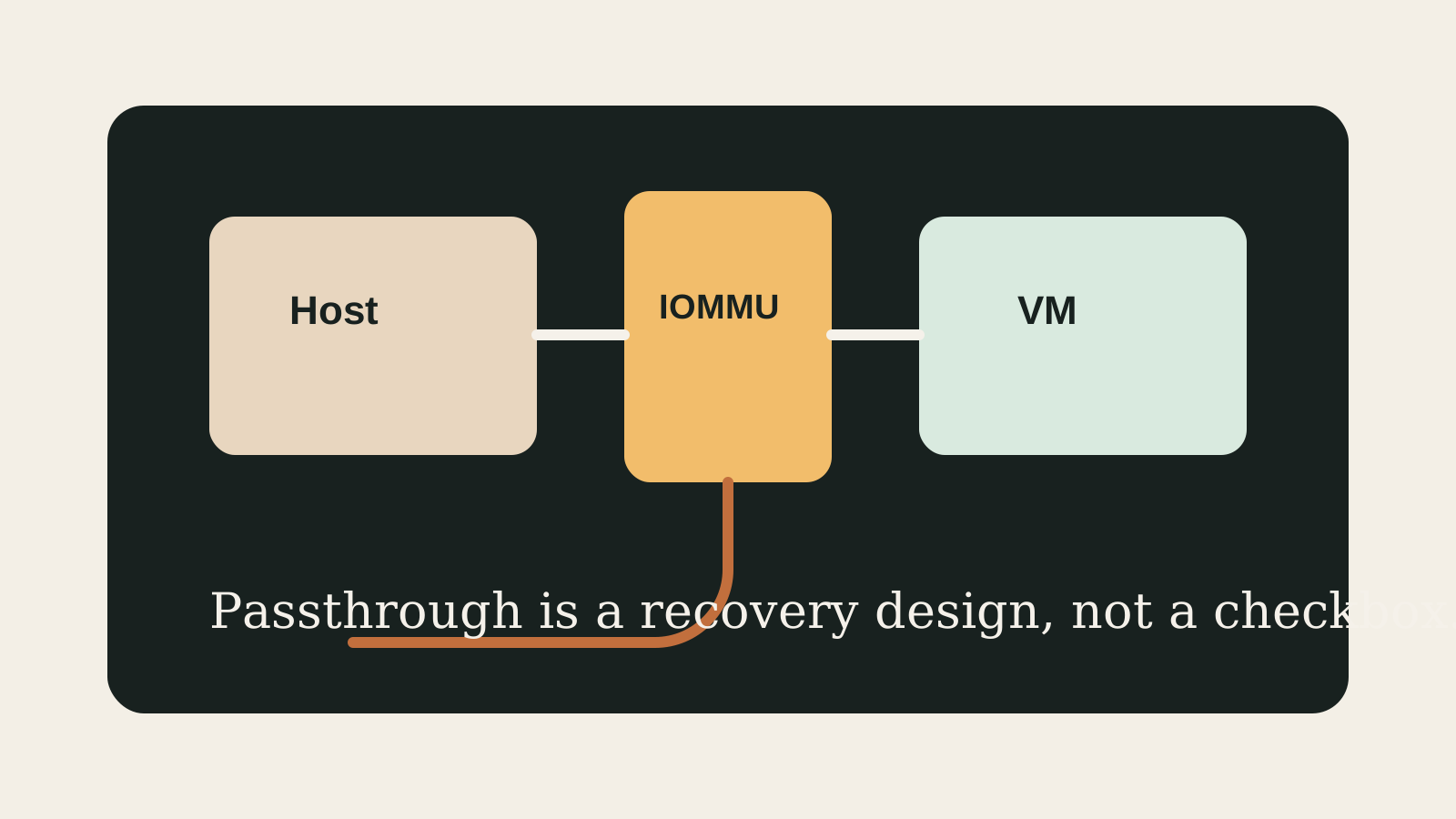
If you cannot name the IOMMU group, the VM owner, and the rollback steps, do not build your first Proxmox NAS around passthrough. Start simpler, then add passthrough once recovery is boring.
Passthrough verdict
Use passthrough when recovery is already boring.
HBA, GPU, Coral, and USB passthrough can work well, but the host must not depend on the device and rollback must be written before the change.
- Best for
- NAS VM builders, GPU/Coral workloads, and Home Assistant USB devices with a tested rollback path.
- Avoid if
- This is your first storage design, IOMMU groups are unclear, or local console access is unavailable.
- Biggest risk
- Passing through a device the host still needs for boot, storage, or recovery.
Passthrough is attractive because it feels like direct control. The catch is that direct control also means direct failure modes. Beginners should treat passthrough as an architecture decision, not a command snippet.
Choose your path
If this is your situation, start here
Beginner-safe default
Beginner-safe default
Do the first Proxmox build without passthrough. Add one device only after backups, local console access, and rollback notes exist.
- IOMMU group checked
- Host boot does not depend on the device
- Rollback tested before real data moves
Decision Score
Power depends on the device being passed through.
The passthrough device can change cooling and placement needs.
Strong when controller ownership is clean.
Recovery risk rises if the host depends on the device.
Use only with a rollback plan.
Upgrade Path
- Start with USB passthrough for non-critical devices.
- Move to HBA passthrough when storage ownership and boot separation are clean.
- Move to GPU passthrough only after console fallback and reset behavior are tested.
Key Facts
- Core dependency
- Passthrough depends on CPU, motherboard, firmware, IOMMU groups, and Proxmox configuration.
- Ownership rule
- Only one system should own a passed-through storage controller or device path.
- Beginner risk
- A copy-pasted passthrough command can create a recovery problem.
- Safe path
- Test passthrough on non-critical devices before trusting storage.
Beginner decision grid
| Question | Good sign | Risk signal |
|---|---|---|
| Can you explain the role? | The workload and storage owner are written down | The box is being bought for vague future use |
| Can you recover? | Backups and rollback live outside the host | Redundancy is treated as the backup |
| Can you test it? | NIC, storage, and restore checks are concrete | The plan depends on assumptions from a product page |
Passthrough readiness matrix
| Device | Beginner-safe path | Do not proceed until |
|---|---|---|
| USB coordinator | Pass through one known port/device | You can recover Home Assistant without it |
| Coral TPU | USB Coral first if possible | The VM can reboot cleanly |
| HBA | Pass through whole controller | Proxmox boot is separate |
| GPU | Test on non-critical host | Console fallback and reset behavior are proven |
Before You Buy
- Confirm IOMMU support.
- Check device grouping before buying around passthrough.
- Keep host boot and management separate.
Watch the traps
Most expensive beginner risks
- Do not pass through the device the host needs to boot.
- Avoid passthrough for a first NAS unless recovery is clear.
Recommended Checks
- Confirm IOMMU support.
- Check device grouping before buying around passthrough.
- Keep host boot and management separate.
- Write rollback steps.
- Test reboot and restore behavior.
Verification
- The device appears only where expected.
- The host still boots without the VM.
- Rollback steps have been tested.
Start here
A good homelab purchase should feel boring before it feels powerful.
The goal is not to buy the most interesting box. It is to buy the simplest machine that survives the job you actually need it to do.
Warnings
- Do not pass through the device the host needs to boot.
- Avoid passthrough for a first NAS unless recovery is clear.
Best For
- HBA passthrough planning
- GPU or Coral passthrough checks
- Home Assistant USB device planning
Not For
- First builds seeking the simplest storage path
- Hosts without IOMMU isolation
- Users without local console access
Common Beginner Traps
- Skipping IOMMU group checks
- Passing storage without separating boot
- Assuming passthrough is automatically safer
Save this before checkout
Save this before enabling passthrough
- One device, one owner.
- Host boot stays separate.
- Rollback is written first.
- Do not trust storage until reboot and restore are tested.
Examples
Device:
IOMMU group:
Host dependency:
VM owner:
Rollback:
Restore test:
FAQ
Is passthrough safe for beginners?
It can be, but only when device ownership, rollback, and host independence are clear.
Should I pass through disks or an HBA?
For NAS VM designs, passing the whole HBA is often cleaner when hardware isolation supports it.
What should I test first?
Reboot behavior, VM start order, device visibility, host access, and restore path.
Can passthrough break after updates?
Yes. Firmware, kernel, and hardware changes can affect passthrough, so rollback notes matter.
What is the simplest alternative?
Keep storage in Proxmox-managed pools and use ordinary VM disks until passthrough is truly needed.
Sources
What to read next